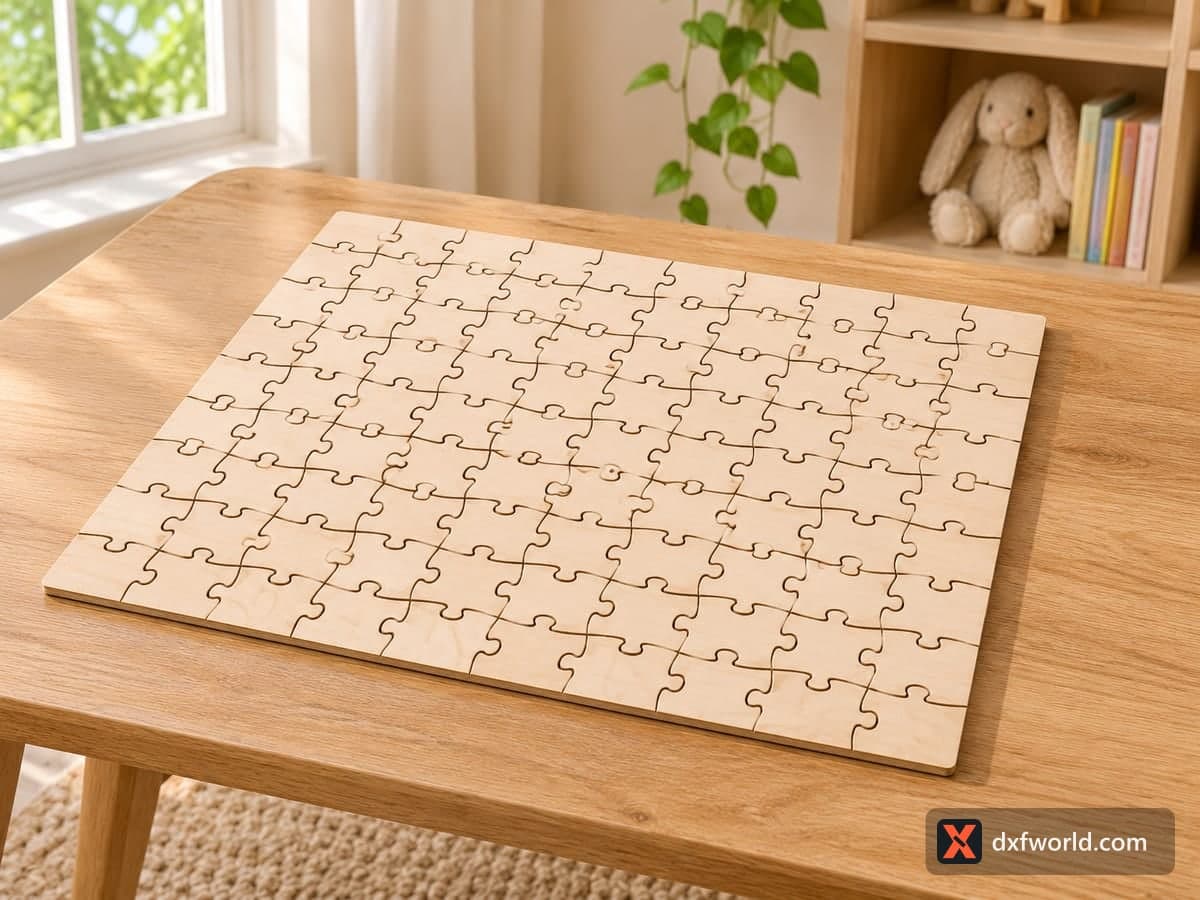
 Visualization
Jigsaw Puzzle Template SVG, Laser Cut Puzzle Grid DXF, Wooden Photo Puzzle Pattern, Blank Puzzle Pieces File
A sheet of ten ready-made jigsaw grids, each a rectangle or square of classic knob-and-socket pieces, ranging from a 4-piece square for toddlers to dense grids of around a hundred small pieces. The free SVG and DXF hold cut lines only on a 1013.5 × 419.3 mm (39.90 × 16.51 in) layout; copy out the grid you need and scale it to your photo or board.
- Formats
- SVG, DXF
- Size
- 1,014 × 419 mm (39.90 × 16.51 in)
- Material
- Plywood, MDF, acrylic or metal (scale to your piece)
- Cut length
- 38.39 m
- Est. time, 10 W diode (3 mm)
- 127 min 58 s
- Est. time, 40 W CO2 (3 mm)
- 53 min 19 s
- Layers
- CUT only, no engraving
Free account required to download
How to make it
- 01Pick a grid, copy it to a new file and scale it to the size of your picture.
- 02Mount the print or paint the board, and test cut a single knob in the same material.
- 03Cut the inner piece lines first and the frame line last, so the board does not shift.
- 04Push the pieces out from the back, lightly sand any fuzzy edges and box the puzzle.
The ten grids
The layout holds ten separate puzzles. The top row has one rectangular grid of small pieces, a long 15-piece strip in three rows, a 6-piece grid with big rounded knobs and a 4-piece square. The bottom row has six squares that step up in density: 9 pieces, 16 pieces, a mid-size grid and three fine grids with around a hundred small pieces each. Every grid has a straight frame line around it, so each puzzle comes out as a clean rectangle.
Making a picture puzzle
Copy the grid you want into a new file and scale it to your image. For a photo puzzle, glue a print onto 3 mm plywood or MDF with spray adhesive, let it dry under weight, then cut from the printed side with air assist so the edges stay clean. You can also engrave or paint the board first. Small knobs on the dense grids get fragile below about 15 mm per piece, so keep those grids large. Cut slowly enough to go fully through: a piece that sticks at one corner tears the print when you pop it out.
Who it is for
The 4- and 6-piece grids suit toddlers, with big pieces that are easy to grip. The 9- and 16-piece squares work as party favours or classroom rewards, and the fine grids make personalised photo puzzles for weddings, pet portraits and save-the-date gifts. Pack each puzzle in a small box or a drawstring bag.
Questions about this file
How many pieces do the puzzles have?
The simplest grids have 4, 6, 9, 15 and 16 pieces. The fine grids have around a hundred pieces each, depending on the one you pick.
Can I put my own photo on it?
Yes. Glue a print to plywood or MDF, or print directly on the board if you have a UV printer, then cut the grid over it.
What material should I use?
3 mm plywood or MDF for most puzzles, and 4 to 6 mm for toddler puzzles with the big pieces. Acrylic works too, but scratches show.
Why are my pieces loose?
The laser kerf removes material along every line, so small pieces fit loosely. Focus the beam carefully, or scale the grid up so the knobs are larger.
Can I change the outer shape?
Yes, delete the frame line, draw a heart or circle over the grid in your software and trim the lines outside it.
Similar files