
From file.
To thing.
240 free DXF and SVG laser files with real sizes and cutting times, plus a box generator for your own dimensions.
Files
240Generators
1More generators are on the way: organizers, trays, shelves and living hinges.
All generatorsYour size.
Find a file.
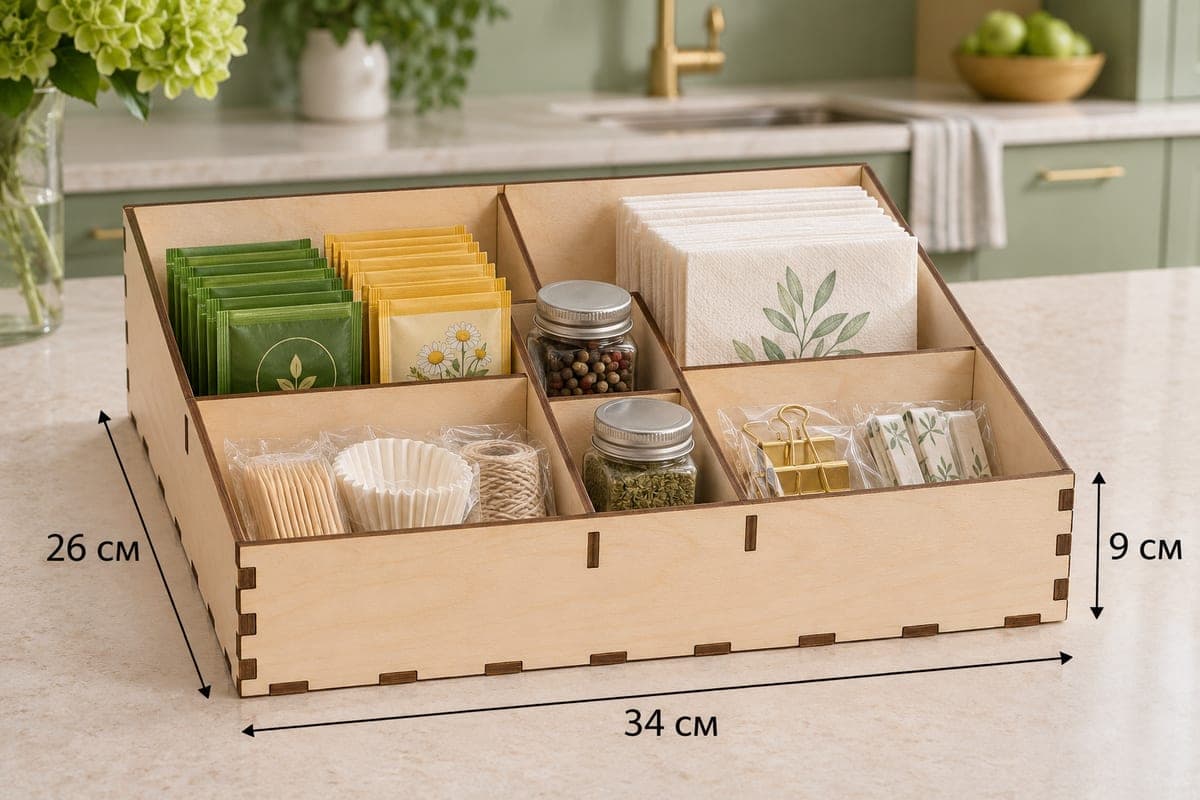
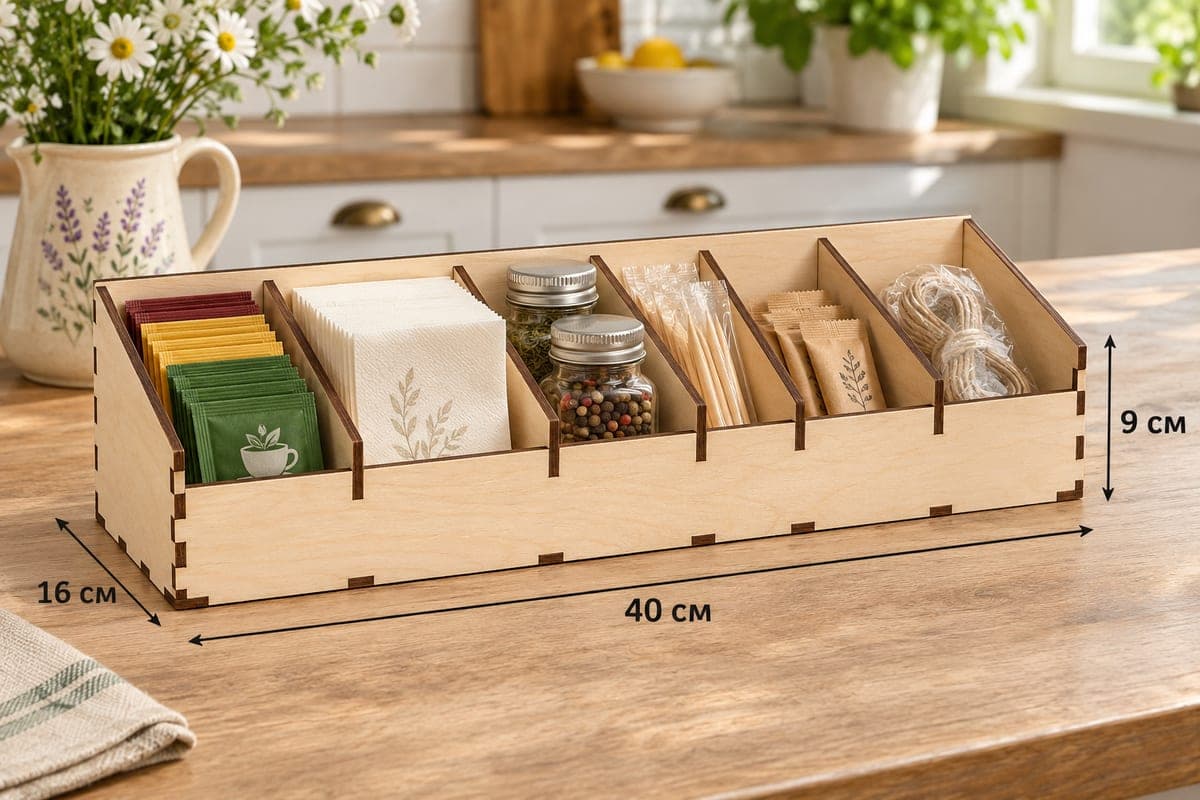
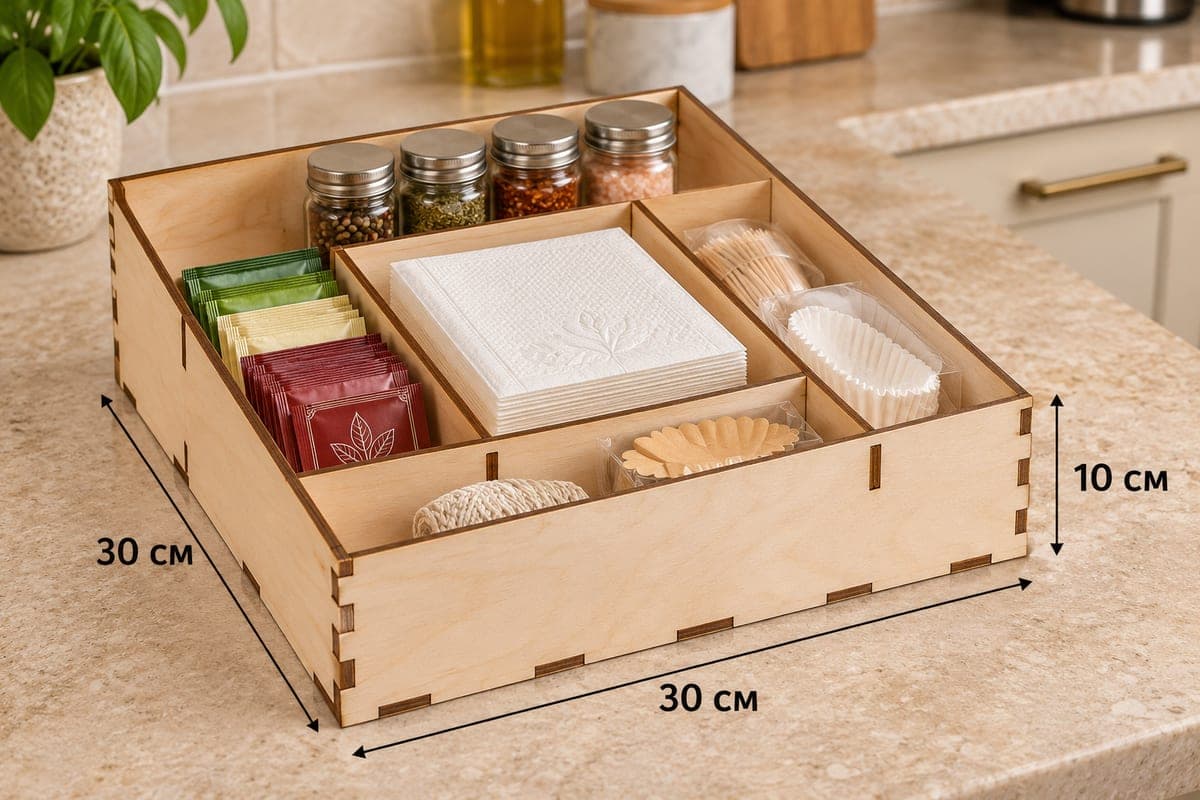
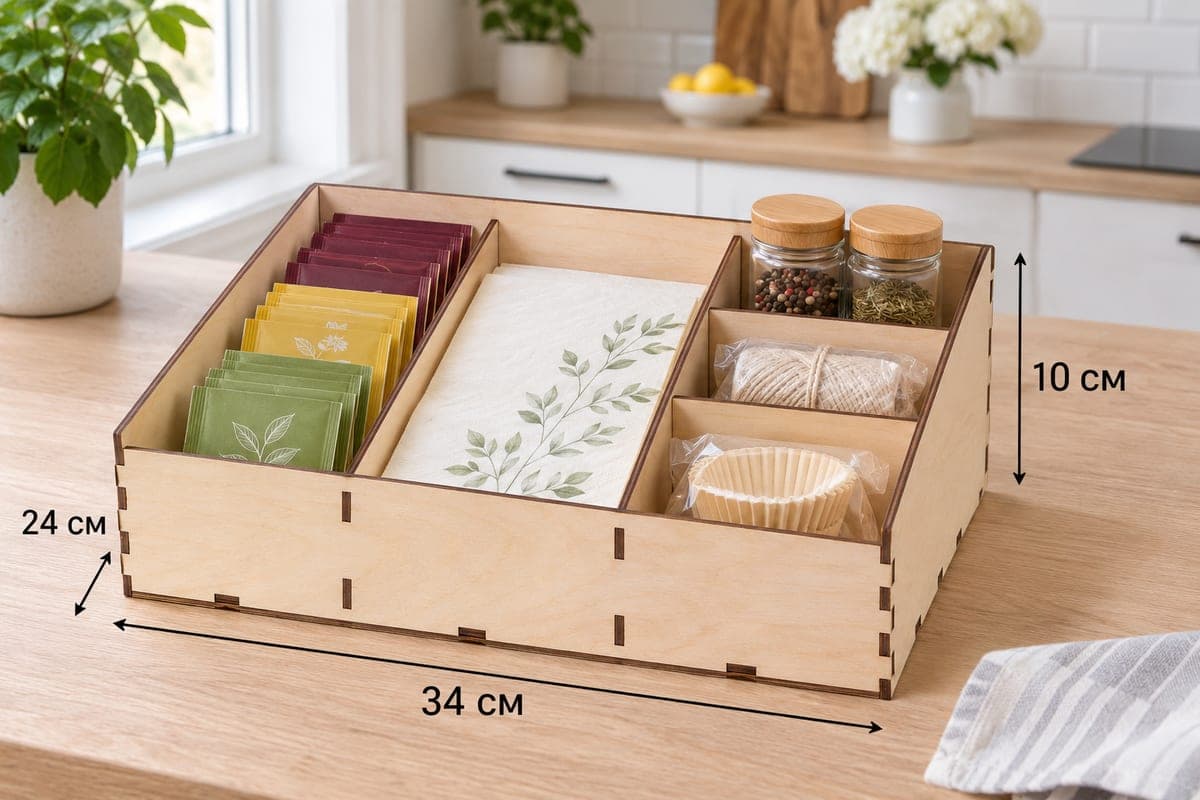
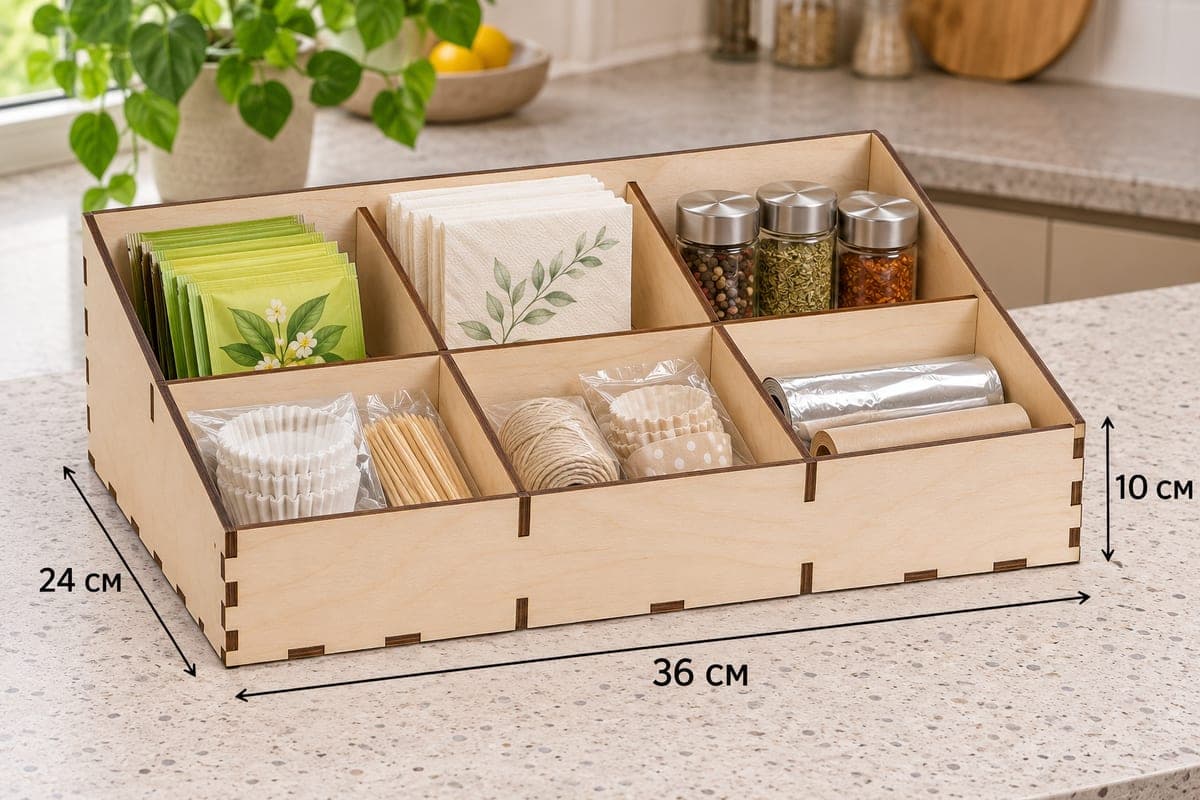
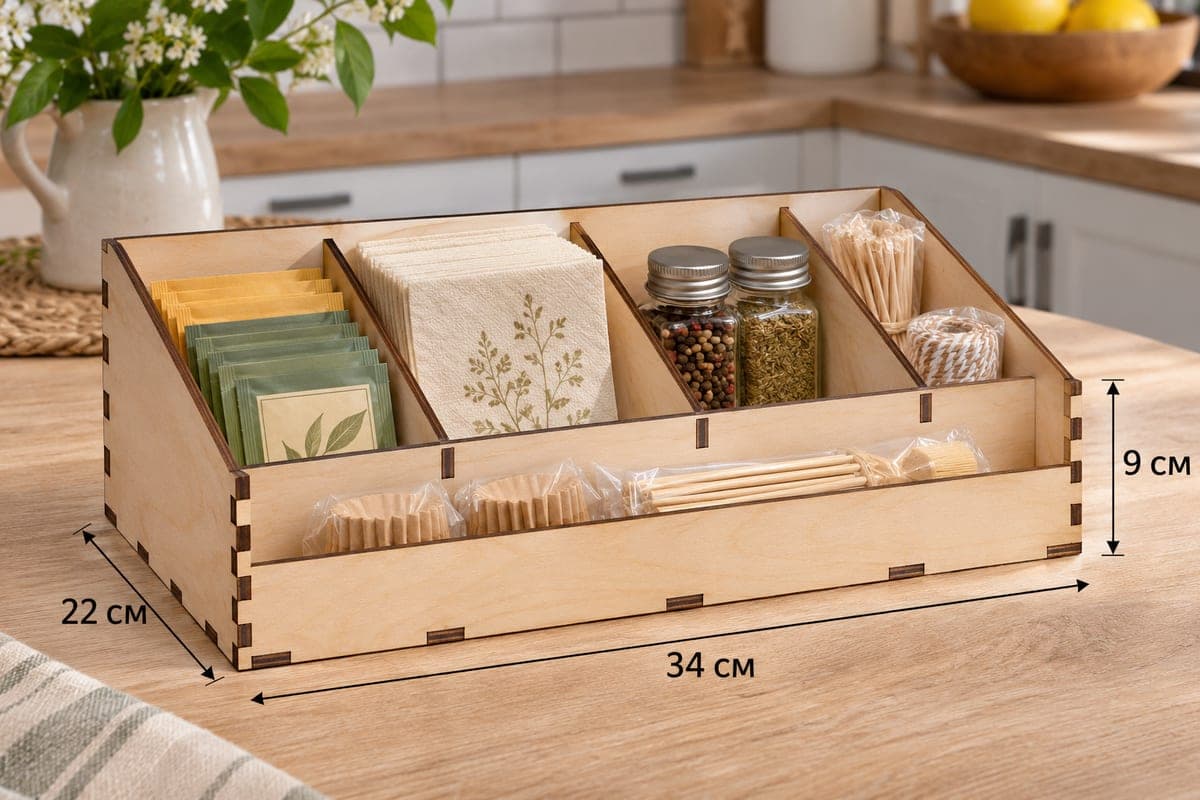
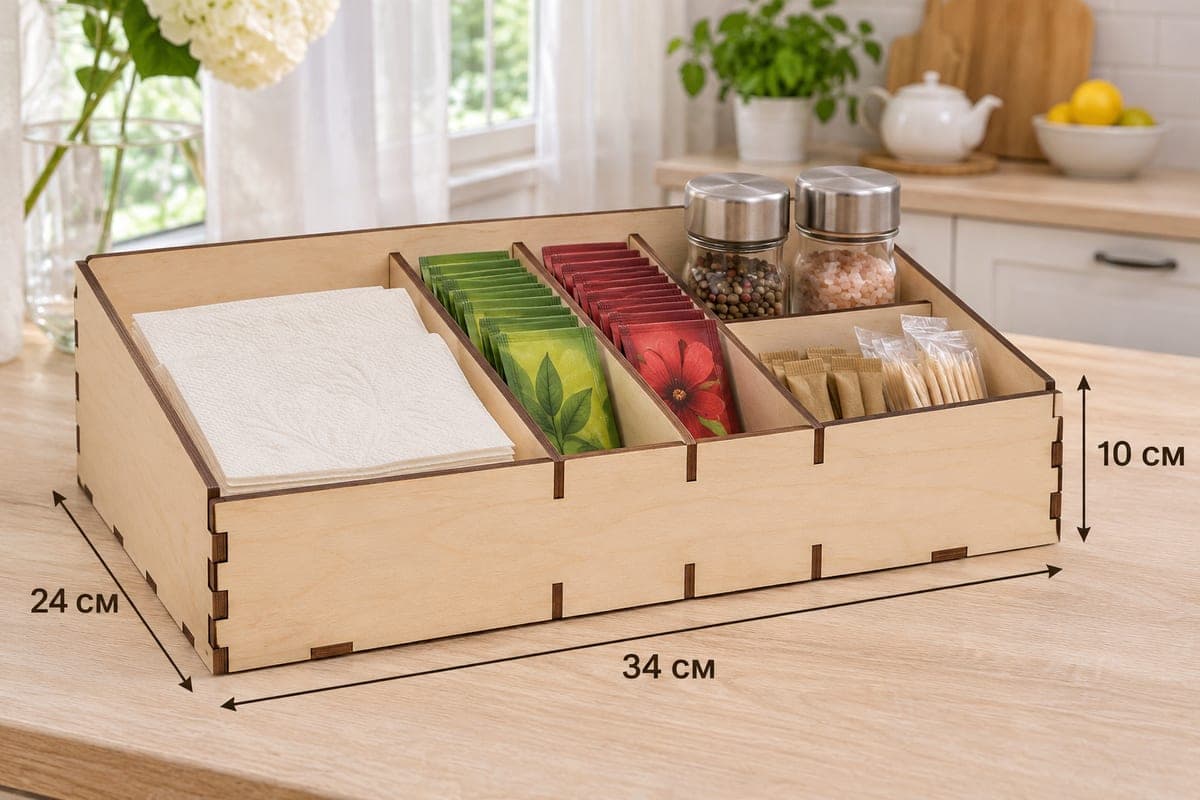
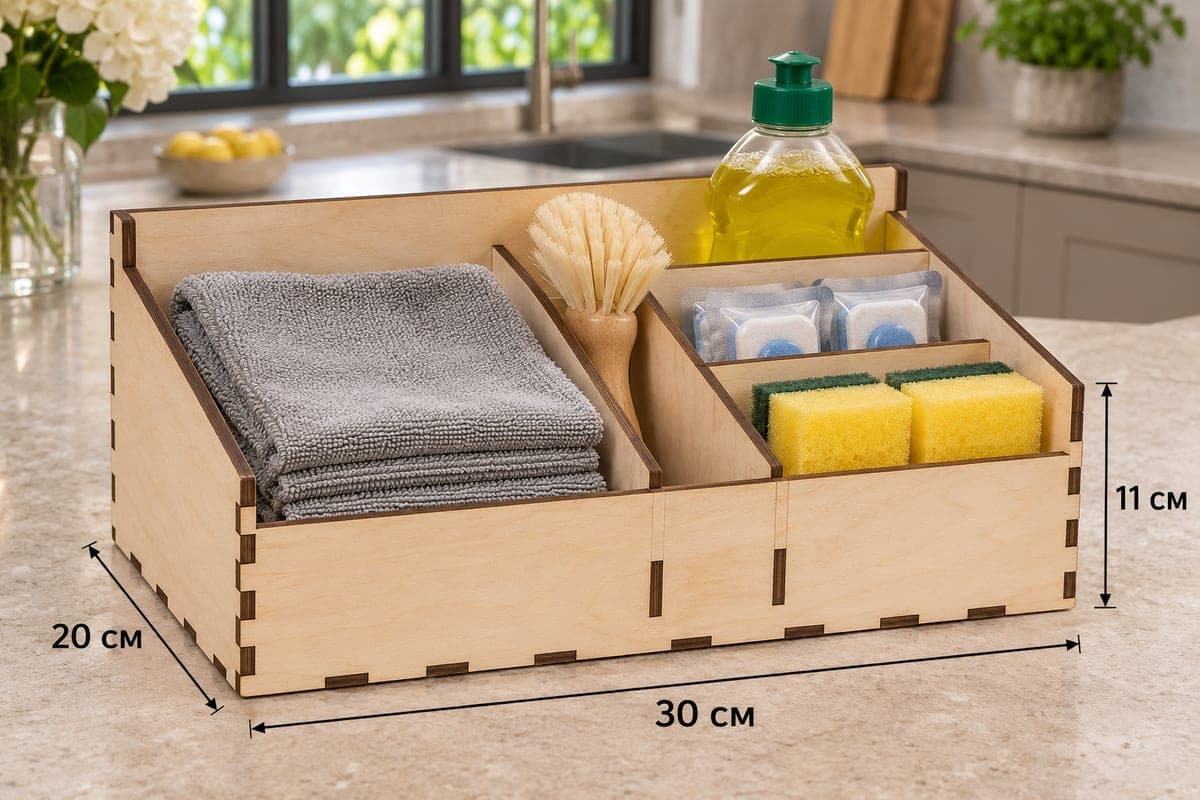
More making.
How it works.
- 01Pick a fileEvery page shows the real size, number of parts and how many fit on a sheet.
- 02SVG or DXFSVG for LightBurn, xTool and Glowforge. DXF for RDWorks, LaserCAD and CAD.
- 03Set the layersRed CUT is a full cut, black ENGRAVE is a fill or line engraving.
- 04Test on scrapRun one piece on scrap material, check power and speed, then nest the sheet.
- 05Cut and sellPrice your pieces, photograph them and list them on Etsy or at a craft market.
In short.
Are the files really free?
Yes. Every file on DXF World is free to download in SVG and DXF. There is no paid tier for files.
Which laser can cut these files?
Any laser that opens SVG or DXF. A 10 W diode laser cuts 3 mm plywood; CO2 lasers cut thicker plywood faster. Every file page lists the estimated cutting times.
Which format should I use, SVG or DXF?
Use SVG for LightBurn, xTool Creative Space and Glowforge, because it keeps the cut and engrave colours. Use DXF for RDWorks, LaserCAD, AutoCAD and other CAD programs.
What material are the files made for?
Most files are drawn for 3 mm plywood and also work in MDF and acrylic. Each file page lists the size, cutting time and how many pieces fit on a sheet.
Do I need an account to download?
Yes, a free one. Signing up with Google or email takes 10 seconds. Browsing, the box generator preview and all guides stay open without an account.