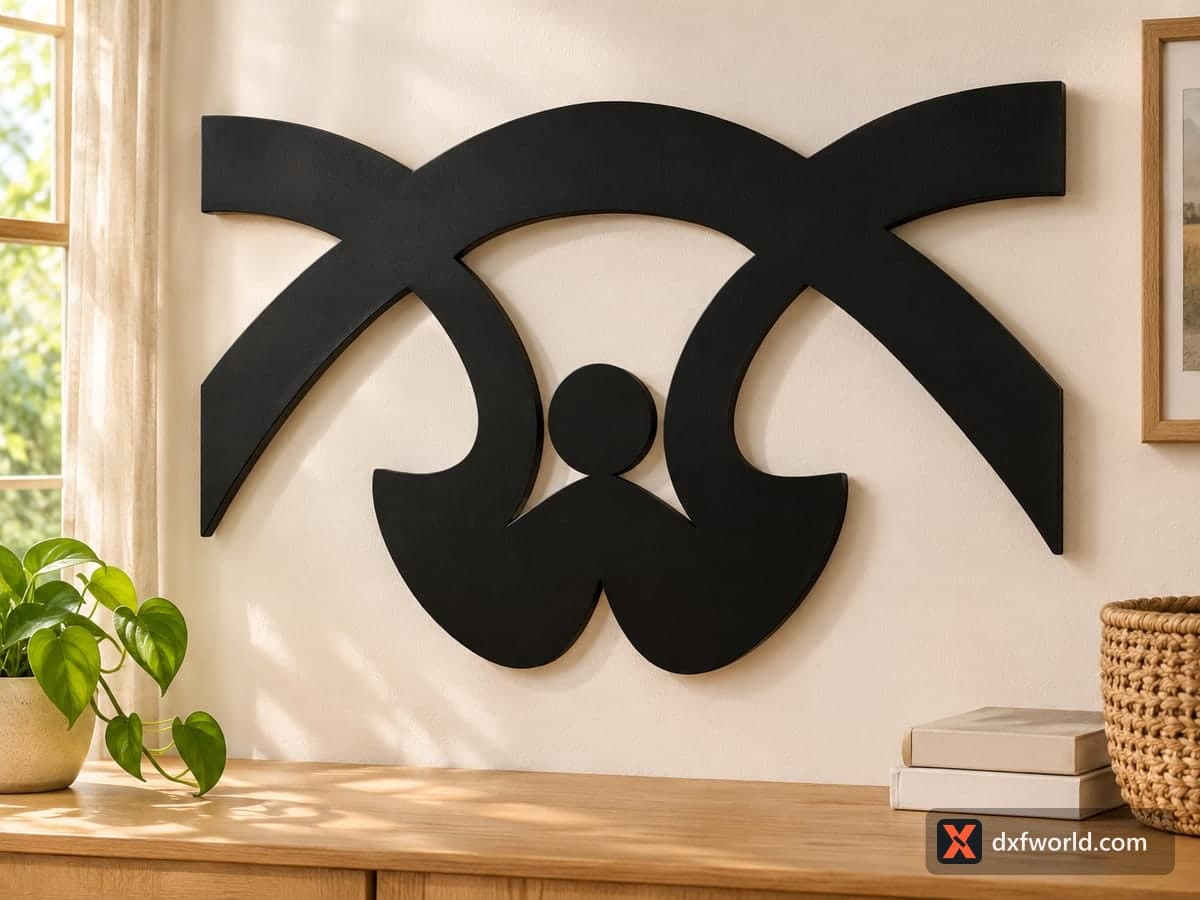
 Visualization
Scroll Ornament SVG, Crossed Arch Wall Decor DXF, Furniture Onlay Laser Cut File, Headboard Accent Cutout
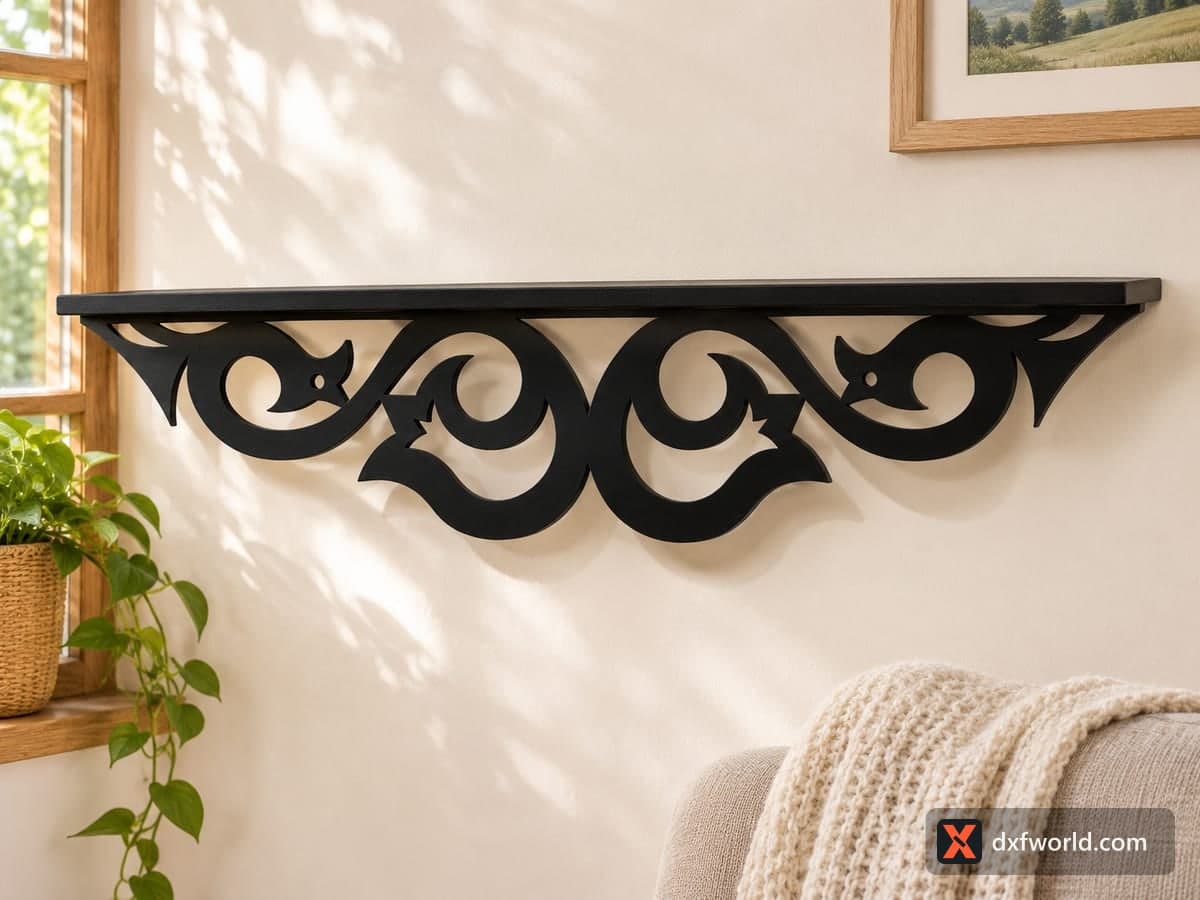
A wide symmetric ornament: two long arches cross at the top, two scrolls hang from them and meet in a W-shaped base, and a round disc sits between the scrolls. The free SVG and DXF hold cut lines only for two parts, the ornament and the disc, at 233.6 × 175.3 mm (9.2 × 6.9 in), and the bold shape scales up easily for walls, headboards or door panels.
- Formats
- SVG, DXF
- Size
- 234 × 175 mm (9.20 × 6.90 in)
- Material
- Plywood, MDF, acrylic or metal (scale to your piece)
- Cut length
- 1.51 m
- Est. time, 10 W diode (3 mm)
- 5 min 02 s
- Est. time, 40 W CO2 (3 mm)
- 2 min 06 s
- Layers
- CUT only, no engraving
Free account required to download
How to make it
- 01Scale the file to your space and keep the width-to-height ratio so the arches stay even.
- 02Cut both parts and make sure the disc separated cleanly at its single touch point.
- 03Sand the faceted curves and the tight inside corners of the scrolls.
- 04Glue the disc into the gap between the scrolls, paint, then hang the ornament or glue it onto furniture.
Two parts, one bold shape
The file cuts into two parts. The main piece is formed by two arches crossing above a pair of hooked scrolls; the scrolls curl inward and merge into a heavy base with a point in its middle. The round disc between the scrolls is separate: its edge only touches the base at one point, so it drops free after cutting. Glue it back in place, or cut it from a contrasting material such as walnut or gold acrylic for an accent. The curves are drawn as short straight segments, so at large sizes the edges look slightly faceted; a sanding block rounds them off in a few minutes.
Scaling and material
The strokes are thick and there are no thin bridges, so this ornament survives scaling in both directions. At the file size it suits a cabinet door onlay or a small shelf accent in 3 mm plywood. Enlarged to 60–90 cm it turns into a statement piece over a bed or a console; the photo shows it in matte black above a sideboard. For big versions, 6–12 mm MDF on a CNC router stays flat, and a plasma table handles it in steel for a gate or fence accent outdoors.
Finishing ideas
Paint it black or gold for a modern room, or stain plywood and wax it for a rustic wall. Used as an onlay, glue it flat with wood glue, weigh it down with a board until dry, then paint the onlay and the door together so the two read as one carved surface.
Questions about this file
Why is the round disc loose after cutting?
It touches the base at a single point, so the laser cuts it free. Glue it back, or draw a small bridge to the base in your software before cutting.
Can I use it as a furniture onlay?
Yes. Cut it from thin plywood, glue it flat on a door or drawer front and paint both together.
How large can I make it?
There is no fine detail, so there is no practical upper limit. Very large versions are easier on a CNC router in MDF or by plasma in steel.
Will the edges look smooth at a big size?
The curves are made of straight segments and show slight facets when enlarged. Sanding hides them, or smooth the curves in your vector software first.
How do I hang a large one?
Screw two keyhole or sawtooth hangers to the back near the outer ends of the arches so it hangs level.
Similar files