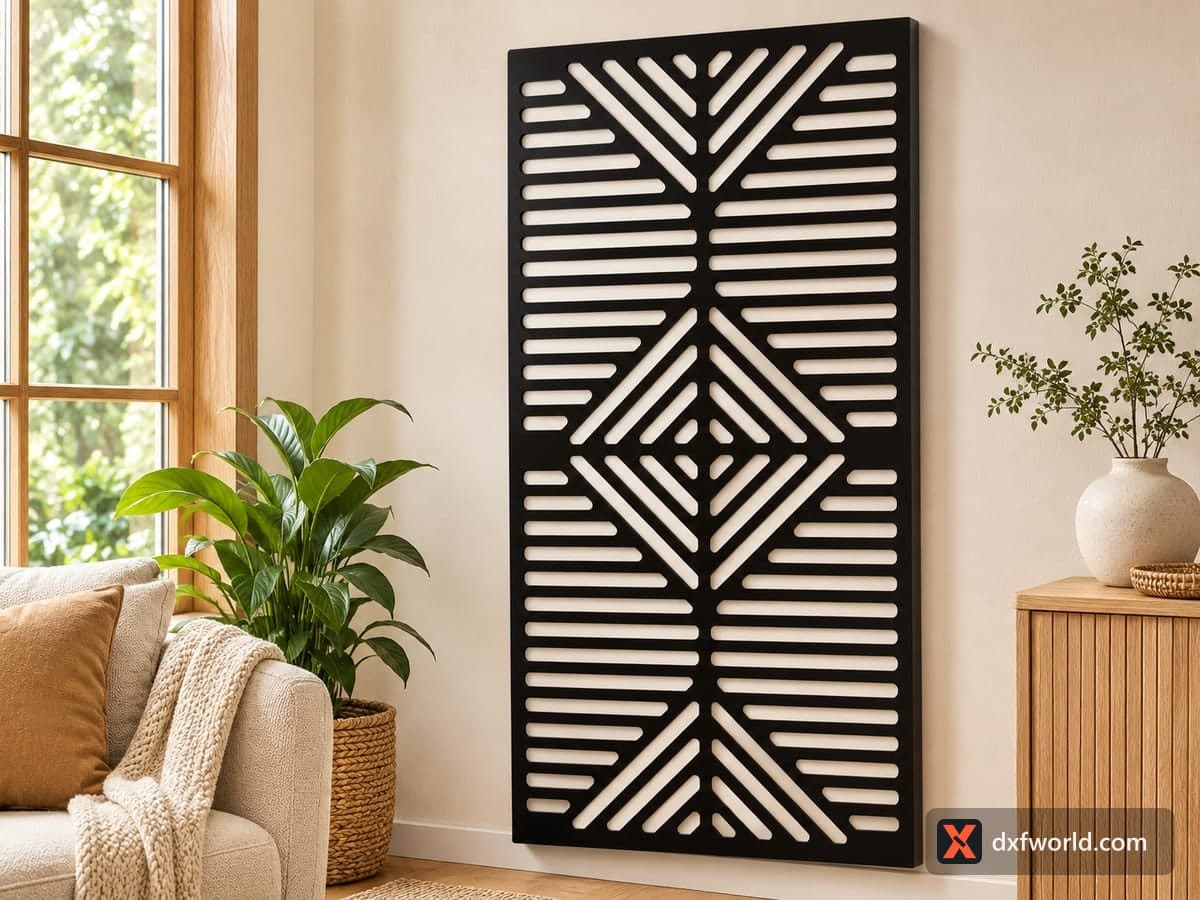
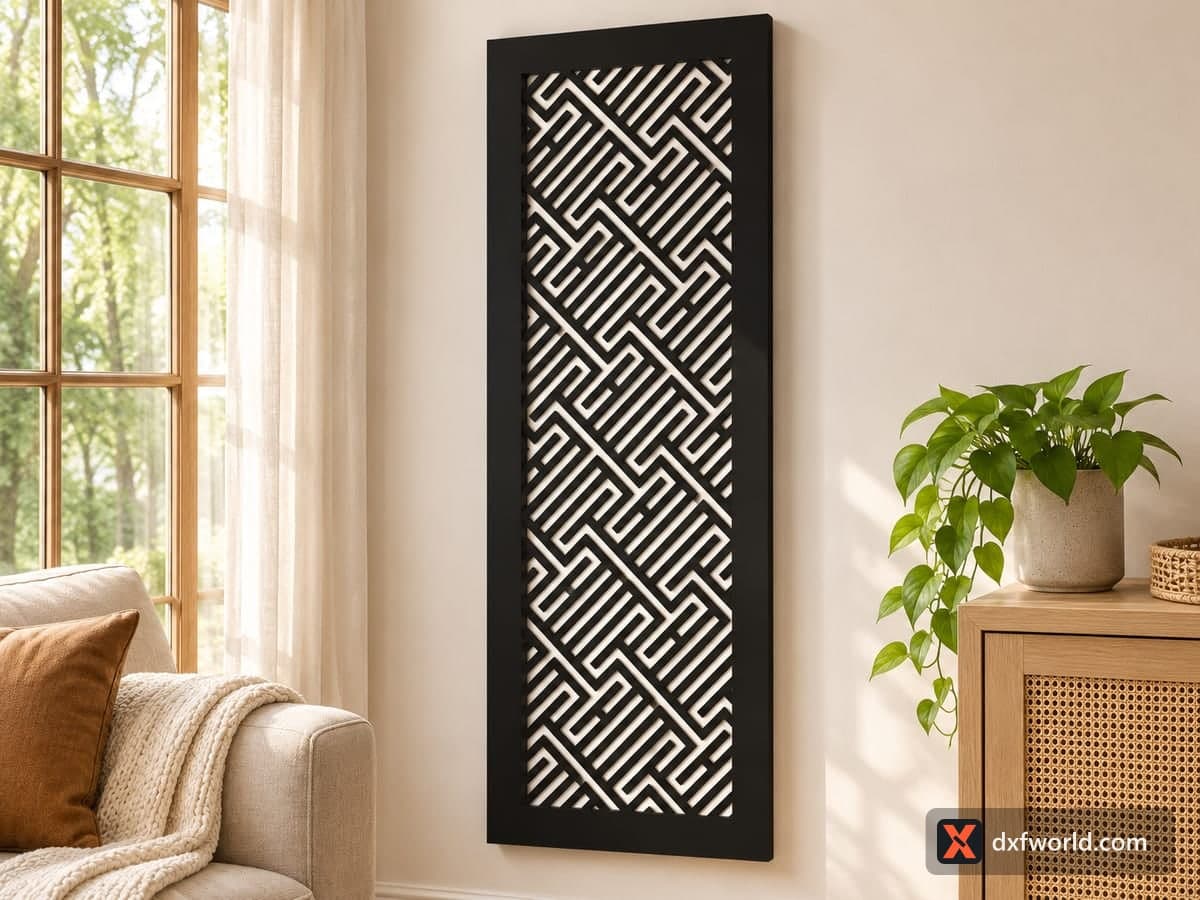
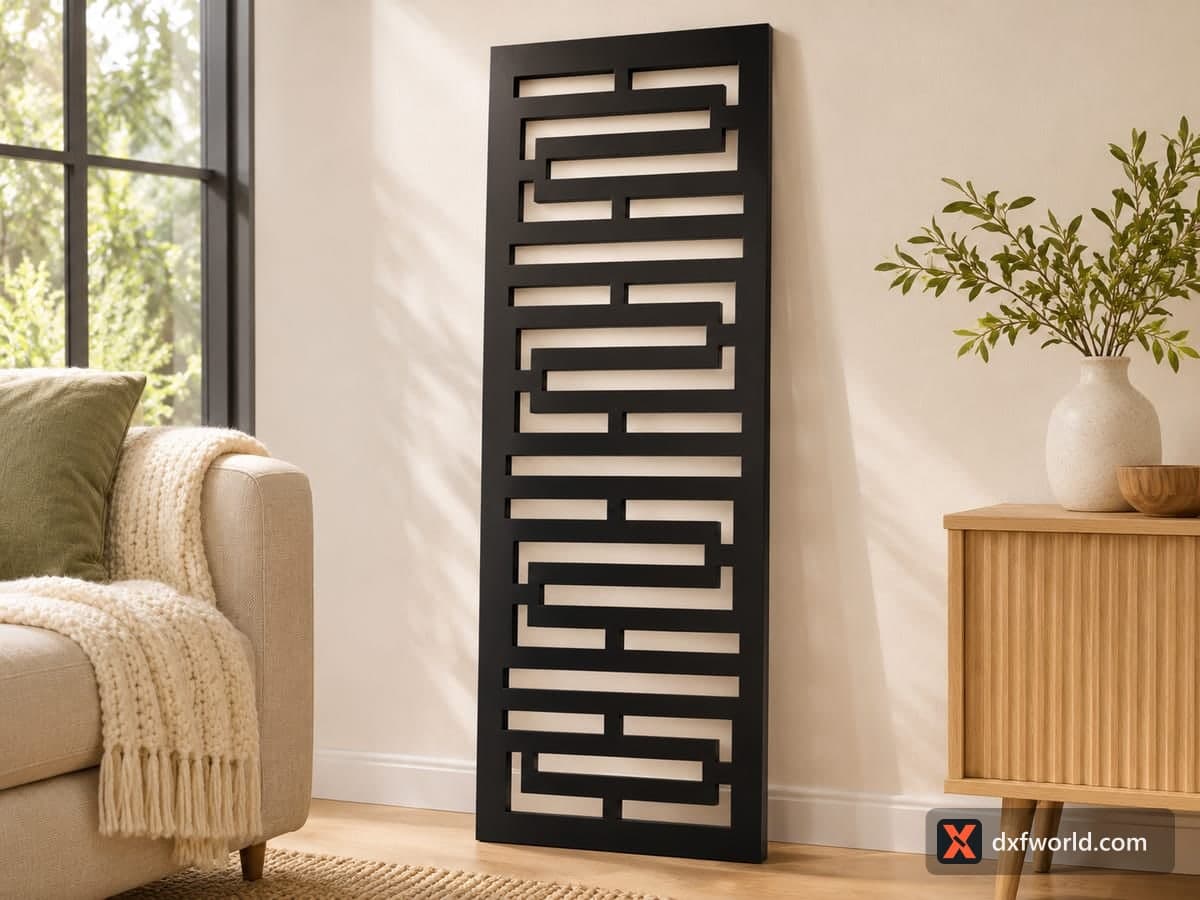
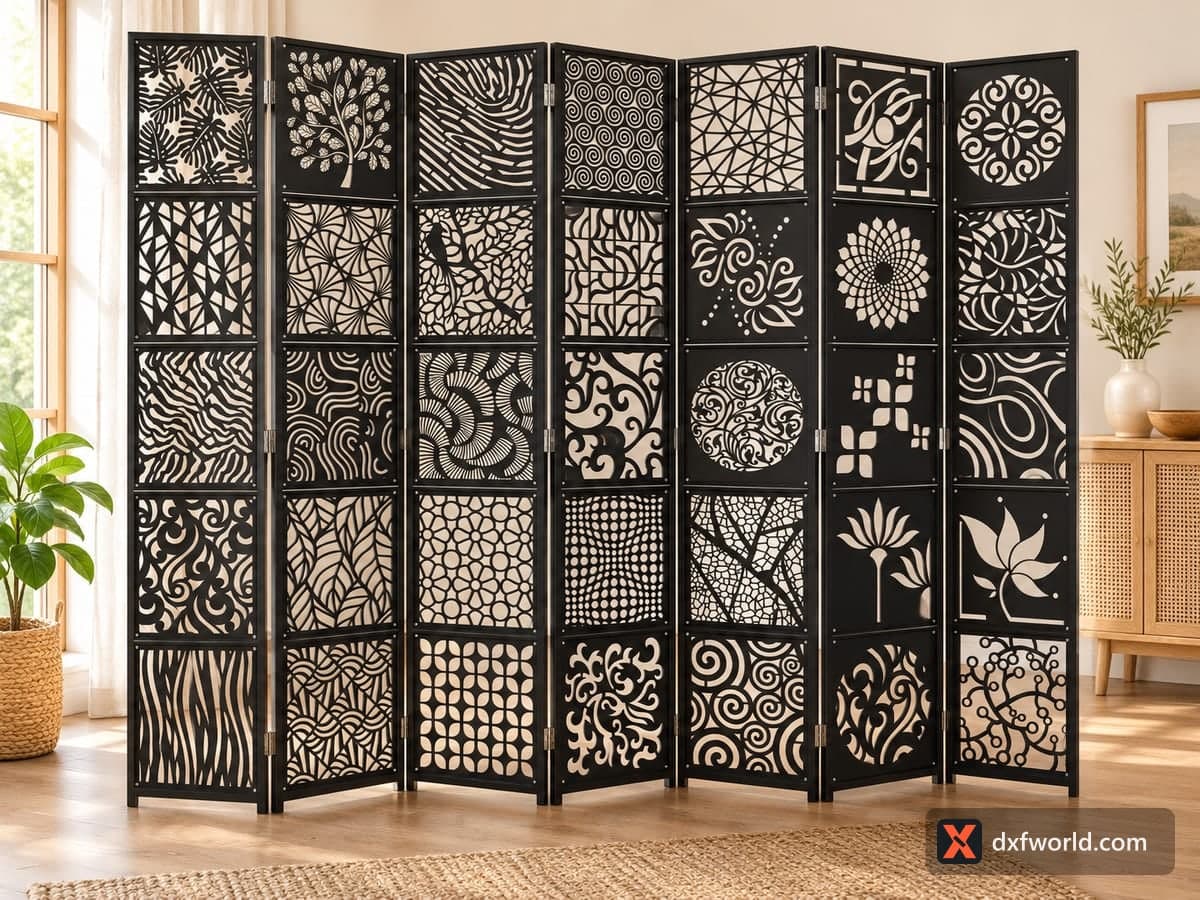
 Visualization
Screen Pattern Tiles SVG, 35 Decorative Panel Designs DXF, Folding Screen Insert Laser Cut File, Botanical and Geometric Tile Set
A collection of 35 different square fretwork patterns arranged in seven columns and five rows, each tile with a small mounting hole in every corner. Motifs include monstera leaves, a leafy tree, wavy stripes, swirls, a sunflower, lotus flowers, circles and polygon lattices. The free SVG and DXF hold cut lines only; the whole sheet is drawn at 202 × 149 mm (8.0 × 5.9 in), so every tile must be scaled up before cutting.
- Formats
- SVG, DXF
- Size
- 202 × 149 mm (7.97 × 5.87 in)
- Material
- Plywood, MDF, acrylic or metal (scale to your piece)
- Cut length
- 24.79 m
- Est. time, 10 W diode (3 mm)
- 82 min 39 s
- Est. time, 40 W CO2 (3 mm)
- 34 min 26 s
- Layers
- CUT only, no engraving
Free account required to download
How to make it
- 01Pick a tile, copy it to a new file and delete the outer border rectangle.
- 02Scale the tile with locked proportions to your frame opening, then check that no bridge is thinner than about 3 mm.
- 03Cut the inner pattern first and the square outline with its four corner holes last.
- 04Sand or deburr, paint, and screw the tile into a frame or behind a cabinet door opening.
What is in the collection
Think of this file as a pattern book. Every tile is its own design: tropical monstera leaves, a tree with round leaves, diagonal wood-grain stripes, a field of circles, a cracked-glass polygon web, paisley swirls, a dense sunflower, scattered petals, a single lotus, palm fronds, fish-scale waves, a round mandala and more. The arrangement matches a folding screen of seven panels with five inserts each, which is how the photo shows them in black-painted frames, but you can pull out any single tile and use it alone.
Scaling comes first
As drawn, one tile is only about 21 × 24 mm, far too small to cut. Copy the tile you want into a new file and scale it with locked proportions to the opening of your frame, for example 250 to 400 mm wide. Check the narrowest bridges after scaling: they should be at least 3 mm in plywood and 2 mm in steel. The big outer rectangle around the whole set is only a border; delete it if you cut tiles one by one. The four corner holes take small screws or brad nails.
Projects and materials
Cut the tiles from 6 mm MDF or plywood on a CNC router or a laser and paint them, or plasma-cut them in thin steel for a garden screen. Use them as cabinet door inserts, radiator covers, headboard panels, a gallery wall of mixed patterns, or a full room divider with each panel showing a different design.
Questions about this file
Why are the tiles drawn so tiny?
The 35 tiles share a 202 × 149 mm sheet, so each one is about 21 × 24 mm. Scale the tile you want to the size of your panel before cutting.
Can I cut all 35 tiles as one big screen?
Yes, scale the whole sheet so each tile reaches the size you want. At 300 mm per tile, the set grows to nearly 3 m wide, which suits a CNC router or plasma table.
What are the holes in the corners for?
They are mounting holes. Use small screws or nails to fix each tile into a frame or onto battens.
Which tiles are best for a beginner?
The circles, stripes and polygon web have fewer, larger openings. The dense sunflower and mandala need a bigger scale to keep the bridges strong.
Do the tiles double as paint stencils?
Some work as stencils, but many patterns have loose islands that fall out. They are drawn as pierced panels rather than stencils.
Similar files