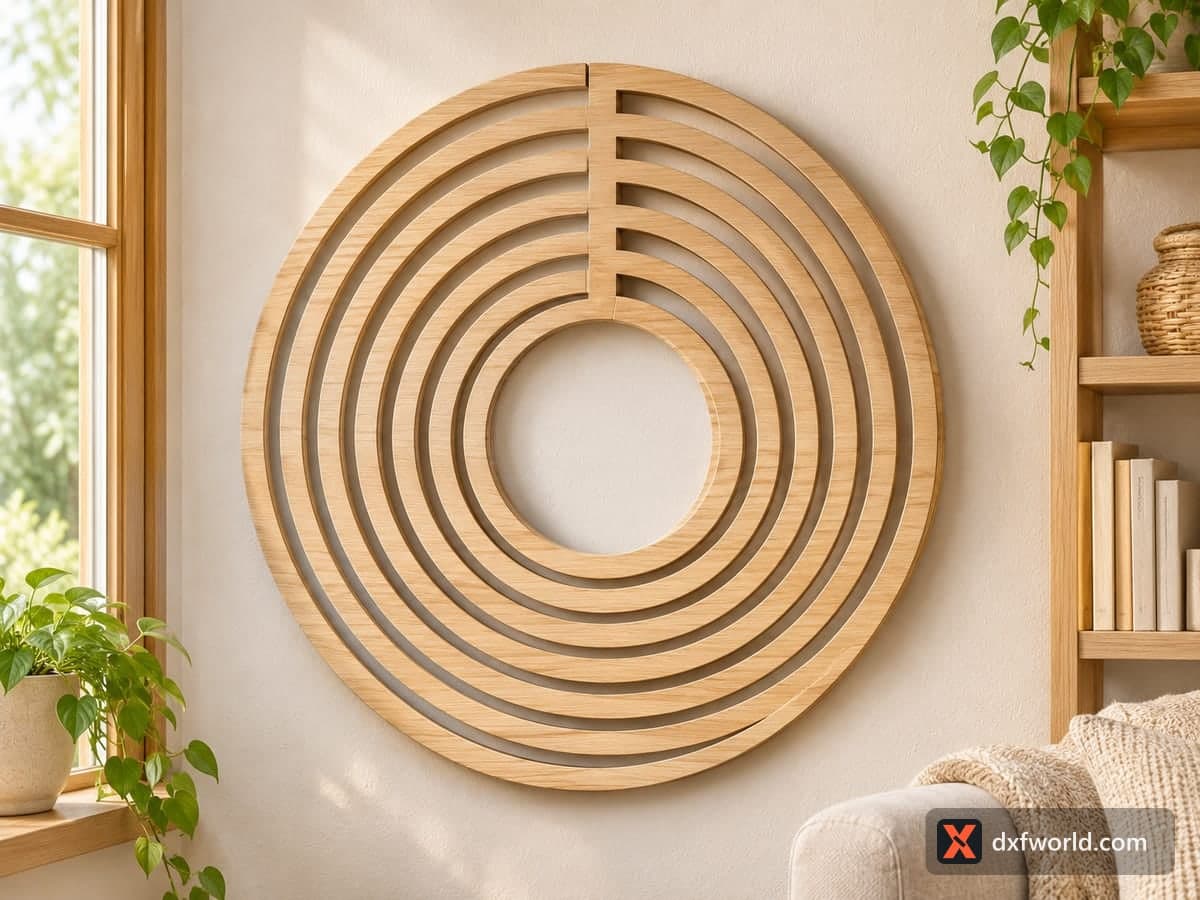
Concentric Ring Disc SVG, Laser Speed Test Cut File, Round Ring Wall Art DXF, Geometric Circle Decor
A round disc of nested ring bands held together by one straight spine at the top, with an open centre. The free download is one SVG and one DXF file, cut lines only, sized 152.4 × 152.4 mm (6.00 × 6.00 in); the slots between the rings are drawn as one continuous path, which makes it a useful test cut as well as a small geometric wall piece.
- Formats
- SVG, DXF
- Size
- 152 × 152 mm (6.00 × 6.00 in)
- Material
- Plywood, MDF, acrylic or metal (scale to your piece)
- Cut length
- 2.88 m
- Est. time, 10 W diode (3 mm)
- 9 min 36 s
- Est. time, 40 W CO2 (3 mm)
- 4 min 00 s
- Layers
- CUT only, no engraving
Free account required to download
How to make it
- 01Load the SVG or DXF and set the disc to 152.4 mm or the size you want, keeping the proportions locked.
- 02Run one cut with the settings you want to check, without stopping between rings.
- 03Lift the disc, push out the ring gaps and the centre, and inspect the back side for uncut spots.
- 04Sand the spine and edges, then note your settings or finish the piece for the wall.
What the file is
An outer circle frames five nested ring bands that get smaller toward a round opening in the middle. Each band is almost a full circle; all of them meet a short vertical spine at the top, so the whole disc stays in one piece once the gaps fall out. The gaps are drawn as a single long cut line that winds from ring to ring, rather than as many separate shapes.
Using it as a test cut
Because the head follows one long curve with tight turns at the spine, this disc quickly shows whether your speed and power are right. Look at the back: if the narrow gaps did not drop out, add power or a pass. If the bands are charred or the spine edges are rounded, slow corners or too much power are the cause. Cut it in the same plywood, MDF or acrylic you plan to use for a bigger job, and keep the result with your settings written on it in pencil.
Scaling and display
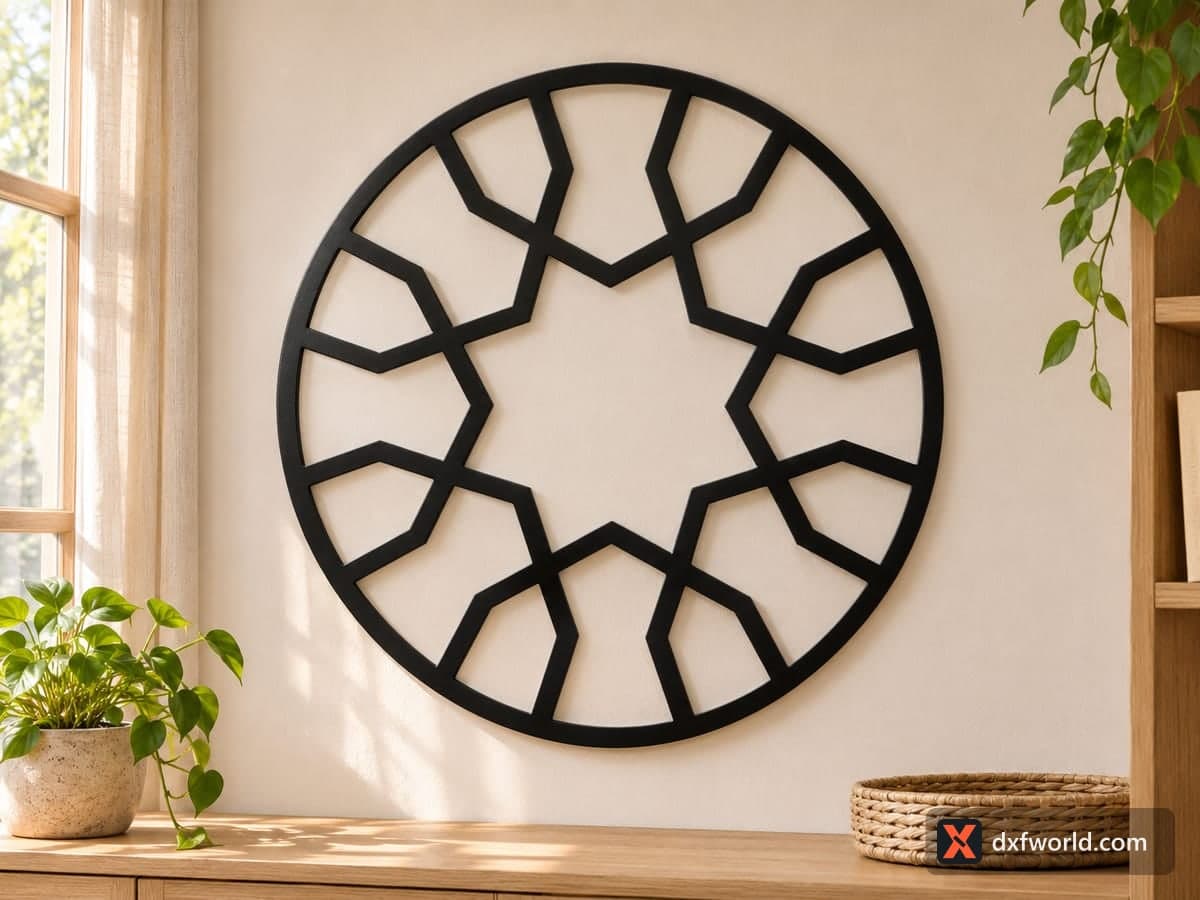
At 6 inches the bands are fairly slim, so stay above that size in plywood. Scaled to 40 or 60 cm it turns into a calm ripple-style wall piece like the one in the photo, and a CNC router can handle it at that size in MDF. Paint it, or mount it a few millimetres off the wall with spacers so the gaps throw shadows.
Questions about this file
Why is it drawn as one long path?
So the laser cuts all the gaps in one go. That makes it a good check of speed, power and corner handling on a new material.
Does it come apart into separate rings?
No. Every band joins the spine at the top, so the disc stays as one piece and only the gaps and the centre drop out.
What material works best?
3 mm birch plywood or acrylic for test pieces; MDF or plywood when you scale it up as wall art.
Can I make it much smaller?
Below about 10 cm the bands become very thin and the spine joint gets fragile, so keep it at the file size or larger.
How do I hang the large version?
Glue a small keyhole hanger or a D-ring behind the spine, where the disc is strongest.
Similar files