Number 1 SVG, Wooden Number One Laser Cut File, Birthday Number DXF, Bold Block Numeral For Plywood
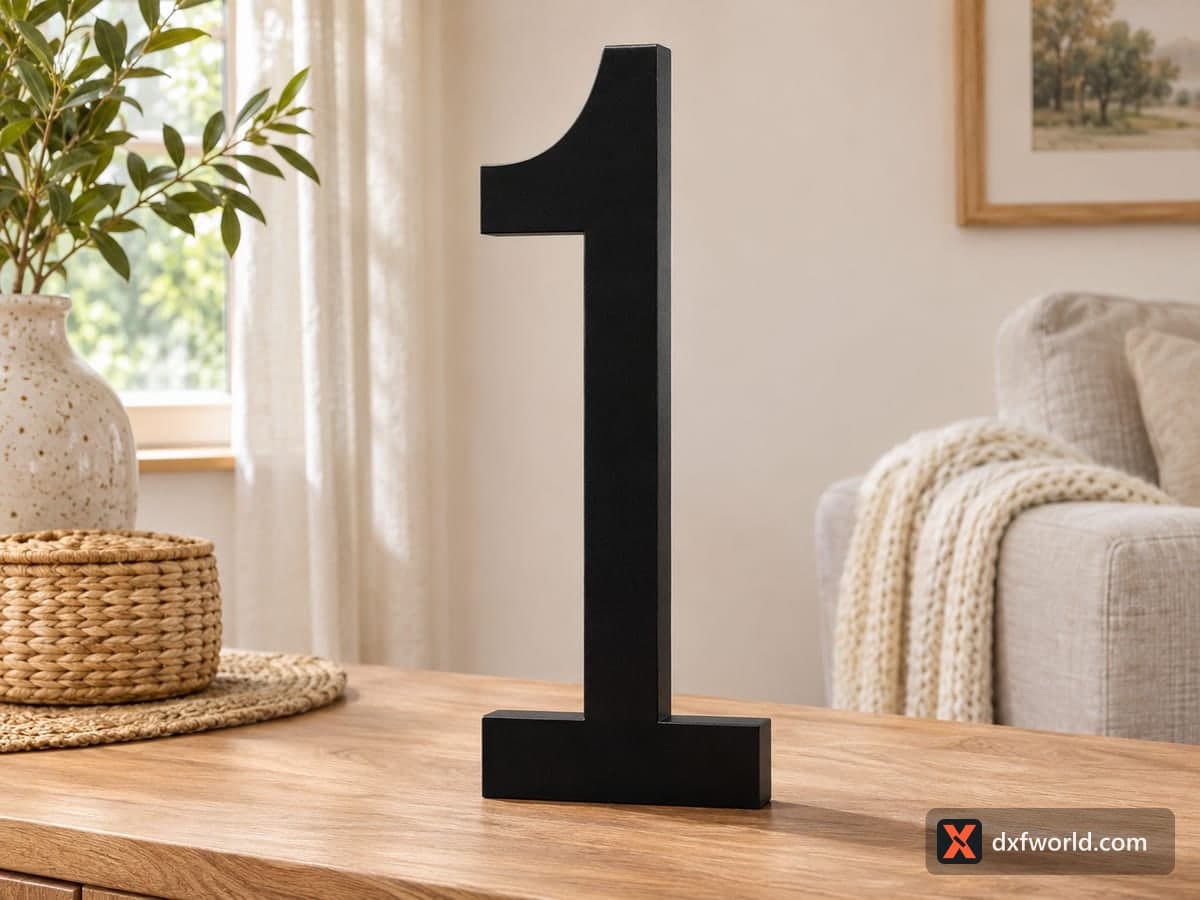
A bold block numeral 1 with a flat foot and a curved flag at the top, drawn as one closed contour. The free download is one SVG and one DXF file, cut lines only, at 17.8 × 50.8 mm (0.70 × 2.00 in) as a base size, ready to be scaled to any height.
- Formats
- SVG, DXF
- Size
- 18 × 51 mm (0.70 × 2.00 in)
- Material
- Plywood, MDF, acrylic or metal (scale to your piece)
- Cut length
- 0.15 m
- Est. time, 10 W diode (3 mm)
- 30 s
- Est. time, 40 W CO2 (3 mm)
- 12 s
- Layers
- CUT only, no engraving
Free account required to download
How to make it
- 01Scale the file to the height you need, keeping the proportion locked.
- 02Cut it from 6 mm plywood or MDF; for a chunky look cut two or three layers.
- 03Glue the layers, sand the edges and fill any gaps.
- 04Paint it and add a small stand or hang it on a wall.
About the shape
This is a plain, heavy number one with a straight stem, a swept flag on the left and a wide base. It has no holes and no thin parts, so it is one of the easiest shapes to cut cleanly. The photo shows it as a black standing piece on a console, but a version in plain wood or acrylic works just as well.
Scaling and making it stand
The size in the file is small, 17.8 × 50.8 mm, so scale it up. A height of 200 to 300 mm suits a birthday table or party sign, while 600 mm and more is good for a wall numeral. Because the shape is solid there is no problem with thin bridges at any size. To make it stand, glue a small rectangle with a slot to the back; for a thick look, stack two or three layers of 6 mm plywood and glue them together so it appears solid.
Finishing ideas
Sand the edges, then paint black or white, or stain it. Use it for a first-birthday photo prop, as a door number, a table number at a wedding, a classroom marker or a stencil. Cut a series 0 to 9 from separate numeral files to complete a set.
Questions about this file
What size is the file?
17.8 × 50.8 mm as a base size; scale it proportionally.
Is it only a number 1?
Yes, it is a single digit file.
How can I make it stand?
Glue a small stand to the back, or glue it onto a base block.
Can I stack layers?
Yes. The file is one outline, so cut it as many times as you want layers.
Can I use acrylic?
Yes. Cast acrylic gives a smooth finished edge.
Similar files